
Blog
How to Automate Business Processes and Reduce Operational Costs
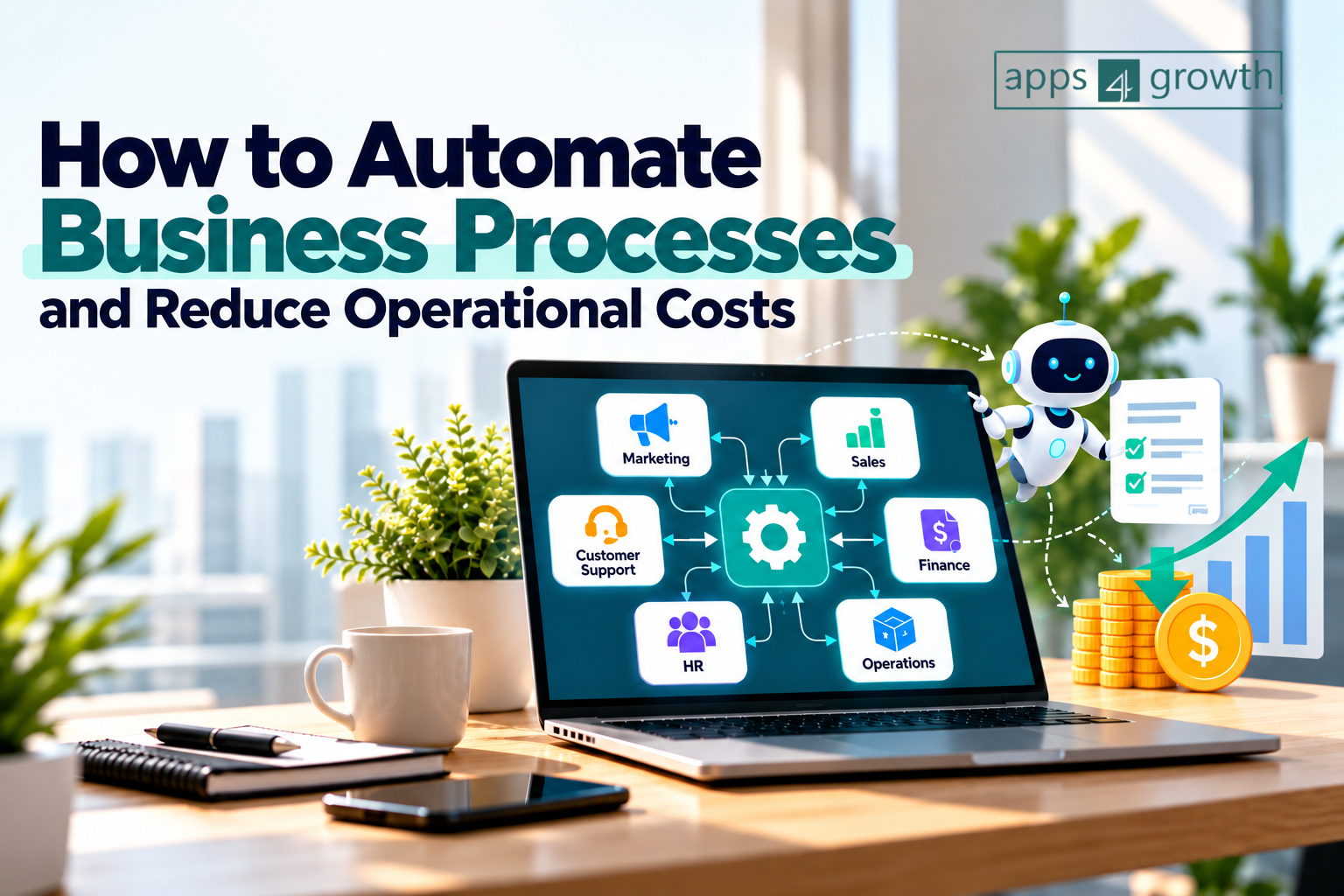
Automate Business Processes
Business process automation helps organizations streamline repetitive workflows by using software, integrations, and automated systems. Instead of relying entirely on manual processes, businesses can automate routine activities, reduce errors, improve productivity, and allow employees to focus on higher-value work.
In this guide, we’ll explore how to automate business processes, which operations are best suited for automation, and how automation can help reduce operational costs without compromising quality.
What Is Business Process Automation?
Business process automation is the use of technology to perform repetitive business tasks with minimal manual intervention.
Automation can connect different applications and trigger actions based on predefined rules. For example, when a customer submits a form, an automated workflow can add the information to a CRM, send a confirmation email, notify the sales team, and create a follow-up task.
Instead of employees performing each step manually, the system handles the routine workflow automatically.
Common examples include:
- Automated customer onboarding
- Invoice and payment processing
- Lead management
- Employee onboarding
- Email marketing
- Appointment scheduling
- Data entry and synchronization
- Inventory updates
- Customer support ticket routing
- Report generation
- Approval workflows
The goal is not simply to replace manual work. Effective automation creates a more efficient process that saves time, reduces unnecessary costs, and improves consistency.
Why Should Businesses Automate Their Processes?
Manual processes can become expensive as a business grows. More customers, employees, transactions, and data often mean more administrative work.
Automation can address several of these challenges.
1. Reduce Repetitive Manual Work
Employees often spend hours performing repetitive tasks such as copying information between applications, sending routine emails, updating records, or preparing recurring reports.
Automation can handle these activities automatically, giving employees more time for strategic and customer-focused work.
2. Reduce Operational Costs
One of the biggest benefits of automation is improved resource utilization.
When repetitive tasks are automated, businesses can reduce the amount of time spent on administrative work. This does not necessarily mean reducing staff. Instead, existing employees can spend more of their working hours on activities that directly contribute to business growth.
For example, a sales team can spend less time entering lead information and more time speaking with qualified prospects.
3. Minimize Human Errors
Manual data entry and repetitive processes can lead to mistakes.
A small error in customer information, inventory records, invoices, or financial data can create additional work and sometimes result in financial losses.
Automated workflows follow predefined rules consistently, helping reduce avoidable errors.
4. Improve Productivity
Automation allows businesses to complete routine processes faster.
For example, an automated lead-routing system can immediately assign a new lead to the appropriate salesperson instead of waiting for someone to check a spreadsheet and distribute leads manually.
Faster processes can improve both internal productivity and customer experience.
5. Improve Customer Experience
Customers increasingly expect quick responses and smooth interactions.
Automation can help businesses send instant confirmations, reminders, updates, and follow-ups.
For example, an online service business can automatically send:
- Booking confirmation
- Payment confirmation
- Appointment reminder
- Follow-up message
- Customer feedback request
This creates a more consistent customer journey without requiring employees to manage every communication manually.
Which Business Processes Should You Automate?
Not every process needs automation. Businesses should prioritize activities that are repetitive, rule-based, time-consuming, and prone to human error.
Here are some of the best areas to consider.
Sales and Lead Management
Sales teams frequently deal with repetitive administrative tasks.
Automation can help with:
- Capturing leads from websites
- Adding leads to a CRM
- Assigning leads to sales representatives
- Sending follow-up emails
- Updating lead status
- Scheduling sales calls
- Sending reminders
- Generating sales reports
For example, when a visitor submits a website inquiry form, an automated workflow can add the lead to the CRM and notify the appropriate salesperson immediately.
Marketing Automation
Marketing involves numerous repetitive activities that can be automated.
Businesses can automate:
- Email campaigns
- Lead nurturing
- Social media publishing
- Customer segmentation
- Campaign notifications
- Form submissions
- Webinar registrations
- Follow-up communication
Marketing automation allows teams to maintain consistent communication without manually performing every step.
Finance and Accounting
Financial processes are another strong candidate for automation.
Businesses can automate:
- Invoice creation
- Payment reminders
- Expense tracking
- Receipt collection
- Payment notifications
- Recurring billing
- Financial reporting
- Approval workflows
Automating financial administration can reduce manual data entry and improve visibility into business transactions.
Human Resources
HR departments manage many repetitive processes throughout the employee lifecycle.
Automation can support:
- Employee onboarding
- Document collection
- Leave requests
- Interview scheduling
- Employee notifications
- Training reminders
- Performance review reminders
- Offboarding checklists
For example, after a new employee joins, an automated workflow can send required documents, create accounts, notify relevant departments, and schedule onboarding activities.
Customer Support
Customer support automation can reduce response times while helping teams handle higher volumes of requests.
Businesses can automate:
- Ticket creation
- Ticket assignment
- Frequently asked questions
- Customer notifications
- Escalation rules
- Follow-up requests
- Satisfaction surveys
Chatbots and automated help systems can handle simple questions while human agents focus on complex customer issues.
How to Automate Business Processes: Step-by-Step
Successful automation starts with understanding the existing process. Automating a poorly designed workflow can simply make an inefficient process happen faster.
Follow these steps.
Step 1: Identify Repetitive Processes
Start by creating a list of tasks performed regularly by your team.
Look for processes that:
- Occur frequently
- Follow predictable steps
- Require repetitive data entry
- Involve multiple applications
- Require frequent notifications
- Cause delays
- Generate recurring errors
These are often the best candidates for automation.
Step 2: Map the Existing Workflow
Document how the process currently works.
For example:
New Lead → Form Submission → Manual Spreadsheet Entry → Sales Notification → Follow-Up Email → CRM Update
Mapping the workflow helps identify unnecessary steps and bottlenecks.
Step 3: Calculate the Current Cost
Before automating, estimate how much time the process currently consumes.
A simple calculation can help:
Annual Process Cost = Employees Involved × Hours Spent × Cost per Hour × Frequency
For example, if a team spends 10 hours every week on a repetitive administrative task, that is more than 500 hours per year.
Understanding the current cost makes it easier to evaluate whether automation is financially worthwhile.
Step 4: Redesign the Process
Don’t automate every existing step automatically.
Ask:
- Can any steps be removed?
- Can data be collected automatically?
- Can two systems be integrated?
- Can approvals be simplified?
- Can notifications be triggered automatically?
The best automation strategy combines process improvement with technology.
Step 5: Choose the Right Automation Tools
The right tool depends on the complexity of the workflow.
Businesses may use:
- CRM automation
- Marketing automation platforms
- Accounting software
- Project management systems
- Workflow automation platforms
- Customer support software
- HR management systems
- AI-powered tools
- Application integrations and APIs
For simple workflows, no-code or low-code automation tools can often be sufficient.
Step 6: Build and Test the Workflow
Start with a small workflow rather than automating an entire department at once.
Test:
- Trigger conditions
- Data transfers
- Notifications
- Error handling
- Permissions
- Integrations
- User experience
A controlled implementation makes it easier to identify problems before the automation affects the entire business.
Step 7: Monitor and Optimize
Automation is not a one-time project.
Track performance after implementation and compare it with the original process.
Useful metrics include:
- Time saved
- Cost reduction
- Error rate
- Processing time
- Employee productivity
- Customer response time
- Conversion rate
- Customer satisfaction
Use these results to improve the workflow over time.
How Automation Reduces Operational Costs
Automation can reduce costs in several ways.
Lower Administrative Work
Employees spend less time on repetitive tasks and more time on activities that generate value.
Fewer Errors and Rework
Consistent automated workflows can reduce mistakes and the costs associated with correcting them.
Faster Processing
Automated processes can operate continuously without waiting for an employee to complete the next step.
Better Resource Allocation
Instead of hiring additional employees to handle increasing volumes of repetitive work, businesses can often increase operational capacity using existing resources more efficiently.
Reduced Delays
Automated notifications, approvals, and task assignments can prevent processes from getting stuck between departments.
Improved Scalability
A manual process may work when a company has 20 customers but become difficult to manage when it has 2,000.
Automation allows businesses to handle higher volumes without increasing administrative workload at the same rate.
Example of a Business Automation Workflow
Consider a company that receives leads through its website.
Manual Process
A typical manual workflow might look like this:
Website Form → Employee Checks Email → Copies Data → Updates Spreadsheet → Notifies Salesperson → Sends Follow-Up → Updates CRM
This process requires multiple manual actions.
Automated Process
An automated workflow could be:
Website Form → CRM Entry → Lead Assignment → Instant Email → Sales Notification → Follow-Up Reminder → CRM Update
The system can complete most of the administrative work automatically.
The sales representative can then focus on contacting the prospect rather than managing data entry.
Common Mistakes to Avoid When Automating
Automation can create problems when it is implemented without proper planning.
Automating Everything at Once
Trying to automate every department simultaneously can create unnecessary complexity.
Start with one high-impact process and expand gradually.
Ignoring the Existing Process
Automation should improve a workflow rather than simply digitize a bad process.
First identify unnecessary steps and bottlenecks.
Choosing Tools Without Considering Integration
A tool may work well independently but create problems if it cannot integrate with your existing systems.
Before selecting software, check its integrations, APIs, scalability, security, and compatibility with your current technology stack.
Forgetting Human Oversight
Not every decision should be automated.
Processes involving sensitive customer issues, complex approvals, strategic decisions, or unusual situations may still require human involvement.
Not Measuring Results
Without measuring performance, it is difficult to determine whether automation is actually reducing costs.
Define measurable goals before implementation.
Best Practices for Business Process Automation
To get better results from automation, businesses should follow a few principles.
Start Small
Choose one repetitive, high-impact workflow and test the results.
Focus on ROI
Prioritize processes where automation can save significant time or reduce measurable costs.
Keep Humans in the Loop
Use automation for repetitive activities while allowing employees to handle decisions that require judgment and context.
Build Error Handling
Every automated workflow should have a plan for failures, missing information, or unexpected inputs.
Protect Business Data
Use appropriate access controls, authentication, permissions, and security practices when connecting business applications.
Review Automations Regularly
Business processes change as companies grow. Review automated workflows periodically to ensure they remain useful and accurate.
How to Measure the ROI of Automation
Automation should be evaluated using measurable business outcomes.
A basic ROI calculation is:
Automation ROI = (Savings Generated − Automation Cost) ÷ Automation Cost × 100
For example, if a business spends ₹1,00,000 on implementing an automation system and saves ₹2,50,000 in the first year:
ROI = (₹2,50,000 − ₹1,00,000) ÷ ₹1,00,000 × 100 = 150%
Businesses should also consider non-financial benefits such as faster response times, improved customer satisfaction, fewer errors, and better employee productivity.
The Role of AI in Business Automation
Artificial intelligence is expanding what businesses can automate.
Traditional automation generally follows predefined rules:
If X happens → Do Y
AI-powered automation can handle more complex tasks involving text, classification, summarization, recommendations, and pattern recognition.
For example, AI can help businesses:
- Categorize customer inquiries
- Summarize customer conversations
- Draft email responses
- Analyze customer feedback
- Extract information from documents
- Classify leads
- Generate reports
- Assist customer support teams
- Identify patterns in business data
The combination of traditional workflow automation and AI can help businesses automate both repetitive processes and selected knowledge-based activities.
Final Thoughts
Business process automation is no longer limited to large enterprises with complex technology departments. Small and growing businesses can also automate repetitive workflows using modern cloud applications, integrations, low-code platforms, and AI-powered tools.
The most effective approach is to start with the process, not the technology.
Identify repetitive tasks, measure their current cost, simplify the workflow, select appropriate tools, test the automation, and continuously monitor the results.
When implemented strategically, automation can help businesses reduce operational costs, improve productivity, minimize errors, accelerate processes, and create a better customer experience.
For businesses looking to grow without allowing administrative workload to grow at the same pace, automation can become an important part of a sustainable operational strategy.
Frequently Asked Questions
1. What is business process automation?
Business process automation is the use of software, integrations, and automated workflows to perform repetitive business tasks with minimal manual intervention.
2. How does automation reduce operational costs?
Automation reduces the time employees spend on repetitive work, minimizes errors, speeds up processes, and helps businesses use existing resources more efficiently.
3. Which business processes should be automated first?
Start with repetitive, rule-based, high-volume processes such as data entry, lead management, invoicing, employee onboarding, appointment scheduling, reporting, and customer notifications.
4. Can small businesses benefit from automation?
Yes. Small businesses can automate tasks such as lead capture, email follow-ups, invoicing, appointment reminders, customer support, and reporting without requiring large technology teams.
5. Does business automation replace employees?
Not necessarily. The primary objective is usually to reduce repetitive work and allow employees to focus on higher-value activities such as customer relationships, strategy, problem-solving, and decision-making.
6. How much can a business save through automation?
Savings vary depending on the process, transaction volume, employee time involved, and technology cost. Businesses should calculate the current cost of a process and compare it with the implementation and maintenance costs of automation.
7. What is the difference between automation and AI automation?
Traditional automation generally follows predefined rules and workflows. AI automation can additionally handle tasks involving language, classification, pattern recognition, summarization, and other forms of more flexible decision support.
8. How do I start automating my business?
Begin by identifying repetitive processes, documenting the existing workflow, calculating its cost, removing unnecessary steps, selecting suitable automation software, testing the workflow, and measuring the results.
9. Is business process automation expensive?
The cost depends on the tools and complexity involved. Many businesses can begin with relatively simple cloud-based or no-code automation solutions and expand their automation infrastructure as their needs grow.
10. What is the most important factor for successful automation?
A clear understanding of the existing business process is essential. Automating an inefficient workflow without first improving it can create unnecessary complexity instead of reducing costs.
Ready to Automate Your Business with Apps4growth?
Simplify your workflows, reduce operational costs, and unlock new opportunities for growth with the right business apps and automation solutions.
Explore smarter tools. Automate repetitive tasks. Focus on growing your business.
Visit Apps4growth to discover apps, tools, and practical insights that help your business work smarter.