
Web Development
Building and Deploying Apps 100% in the Browser
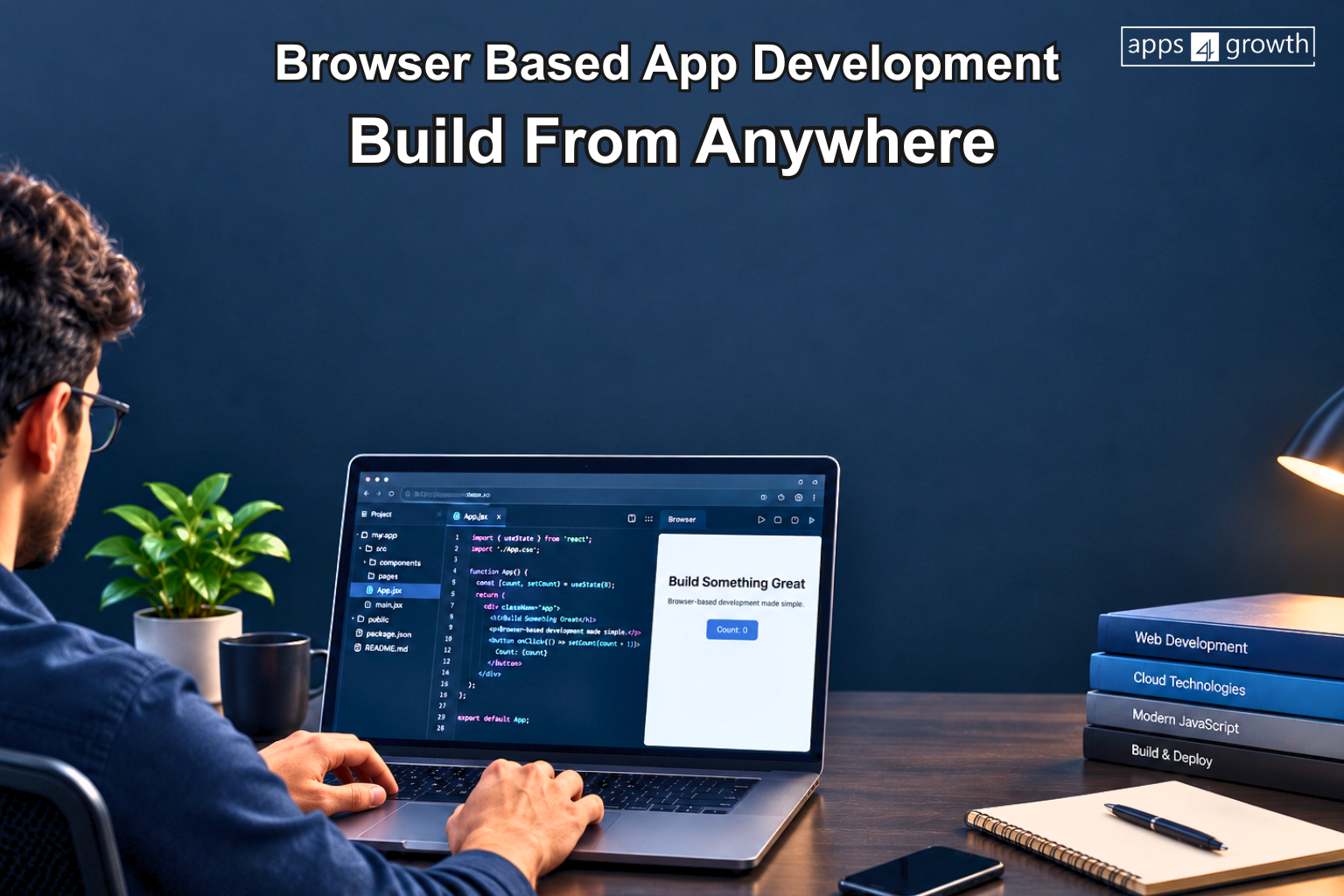
Browser-based app development allows developers to build applications directly through a web browser without relying on a complete local development setup. Traditionally, developers set up their computers with code editors, programming languages, frameworks, dependencies and other development tools before starting an application. Today, browser-based development makes it possible to handle many of these tasks directly from a web browser. This approach can simplify the development environment and make it easier to start building applications from almost any compatible device.
For businesses and development teams, browser-based app development can provide a flexible way to experiment, collaborate and manage application projects. With the right cloud development tools and deployment platforms, developers can write code, test applications and publish them without maintaining a complete local development setup. apps4growth helps businesses build custom web and mobile applications with practical development solutions designed around their specific requirements and workflows.
What Does Browser-Based App Development Mean?
Browser-based app development means creating and managing software applications through online development environments instead of relying entirely on software installed on a local computer.
A browser-based development environment can provide access to a code editor, project files, development tools, terminal functionality, testing environments and deployment workflows through the browser.
This does not mean that every type of application must be developed entirely online. Complex projects may still require local tools or specialised infrastructure. However, modern cloud platforms have made browser-based development a practical option for many web applications and prototypes.
How Does It Work?
A typical browser-based development workflow can involve several stages.
1. Create the Development Environment
Developers start with a cloud-based development platform that provides the tools required for the project. Instead of configuring everything manually on a local machine, the environment can be prepared online.
2. Write and Manage Code
Developers can use an online code editor to create application files, modify existing code and organize the project.
3. Install Dependencies
Modern browser-based environments can provide access to package managers and development dependencies required by the application.
4. Test the Application
Developers can run the application inside the cloud environment and check its functionality. Preview environments can make it easier to identify issues before deployment.
5. Deploy the Application
Once the application is ready, developers can connect the project to a hosting or deployment platform and publish it online.
This workflow can reduce the need to repeatedly move project files between different tools.
Why Build Apps in the Browser?
Browser-based development offers several practical advantages for developers and teams.
Faster Setup
A major benefit is reducing the amount of local configuration required before development begins. Developers can access an existing cloud environment and start working without installing every project dependency manually.
Access From Different Devices
Since the development environment runs online, developers can access their projects from compatible devices with an internet connection. This can be useful for teams that work across different locations.
Easier Collaboration
Cloud-based environments can make collaboration more convenient. Developers can share project environments, review changes and work with other team members without relying entirely on identical local setups.
Centralized Development Environment
When the development environment exists in the cloud, project dependencies and configurations can remain organized in one place. This can help reduce differences between individual development machines.
Quick Prototyping
Browser-based tools can be particularly useful for testing ideas and creating prototypes. Developers can experiment with application concepts without spending significant time configuring a local environment.
What Can You Build in the Browser?
Browser-based development can support many types of web projects, depending on the platform and technical requirements.
Developers can work on:
- Business web applications
- Customer portals
- Internal dashboards
- SaaS applications
- E-commerce interfaces
- Management systems
- Landing pages
- API-powered applications
- Prototypes and MVPs
- Database-driven web applications
For larger enterprise applications, development requirements can become more complex. Security, infrastructure, databases, integrations, performance and deployment architecture should be considered before deciding whether a completely browser-based workflow is suitable.
Browser-Based Development vs Local Development
Both approaches have their place in modern software development.
Local development gives developers extensive control over their environment, operating system, tools and infrastructure. It can be useful for projects with complex dependencies or specialised requirements.
Browser-based development focuses on accessibility and convenience. Developers can work within a cloud environment without configuring the entire project locally.
The right choice depends on the application’s requirements, team workflow and development infrastructure.
What About Deployment?
Development is only one part of building an application. The application also needs to be tested, hosted and maintained after development.
Modern deployment platforms can connect with source-code repositories and automatically build and publish applications when changes are approved.
A typical workflow may look like:
Code → Test → Review → Build → Deploy → Monitor
Automated deployment can help development teams release updates more efficiently while maintaining a consistent process.
Challenges of Browser-Based App Development
Although browser-based development offers flexibility, it also comes with considerations.
Internet Dependency
A stable internet connection is generally important because the development environment and project resources are hosted online.
Platform Limitations
Not every development task can be handled equally well through a browser. Some specialised tools, system-level operations or complex development environments may still require local infrastructure.
Security Considerations
Businesses should carefully evaluate how cloud development platforms handle source code, credentials, authentication and sensitive information.
Performance
Large projects can require substantial computing resources. The capabilities of the selected browser-based platform should match the project’s requirements.
For these reasons, businesses should evaluate their technical needs before adopting a fully browser-based workflow.
How apps4growth Approaches App Development
apps4growth focuses on building custom software and applications around specific business requirements. Its development approach covers web and mobile applications, custom software, business process automation and integrations.
For businesses looking to develop a web application, the important consideration is not simply where the code is written. The application should have a suitable architecture, reliable functionality, secure data handling and a development process that supports future growth.
Depending on project requirements, businesses can choose the development environment and technology stack that best support their application. Browser-based tools can be part of that workflow when they provide the required flexibility and functionality.
When Should You Consider Browser-Based Development?
Browser-based development can be worth considering when a project needs:
- Quick development setup
- Flexible access to development environments
- Easier collaboration
- Rapid prototyping
- Cloud-based workflows
- Simple deployment processes
- Reduced dependence on local configuration
However, businesses should not choose a development approach simply because it is convenient. The technology should match the project’s functionality, security, scalability and long-term maintenance requirements.
Conclusion
Building and deploying applications entirely through a browser is becoming a practical option for many modern web development projects. Cloud-based development environments can reduce setup time, support collaboration and provide flexible access to development tools.
However, browser-based development is not a universal replacement for local development. The right approach depends on the application’s complexity, security requirements, integrations, infrastructure and long-term goals.
For businesses, the most important objective is to choose a development approach that creates a reliable, scalable and useful application. Whether the development environment is browser-based, local or a combination of both, strong planning and the right technical architecture remain essential.
Frequently Asked Questions
Can you build an app entirely in a browser?
Yes, many web applications can be developed using browser-based development environments. The exact capabilities depend on the technology, platform and application requirements.
Is browser-based app development suitable for businesses?
It can be suitable for businesses developing web applications, prototypes, dashboards and other cloud-based projects. Complex applications may require a combination of browser-based and local development tools.
Can apps be deployed directly from a browser?
Yes. Modern cloud development and deployment platforms can support workflows where developers build, test and deploy applications through online tools.
What are the benefits of browser-based development?
The main benefits include faster setup, easier access, collaboration, centralized development environments and convenient prototyping.
Does Apps4Growth build web applications?
Yes. Apps4Growth provides custom software development and web and mobile application development based on business requirements.